Inspect / Rainmeter skin
Sound Device Rainmeter Skin
A headphone/speaker selector whose source describes clicking an icon to switch output and opening an info button on hover for settings.
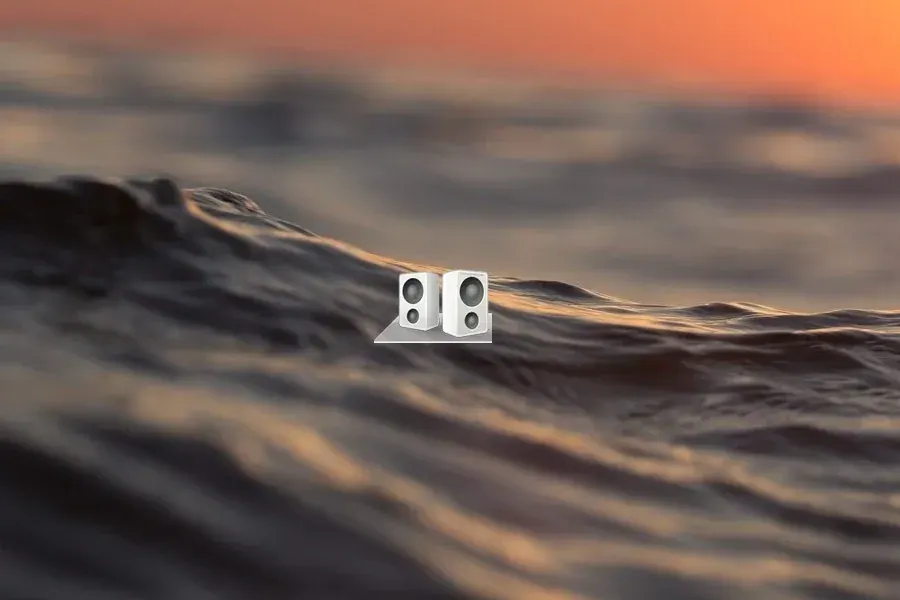
Download Sound Device (.rmskin)
- Creator credit
- manci5
- Package
- sounddevice.rmskin
- Requires
- Rainmeter; exact minimum version not established
What to compare
A headphone/speaker selector whose source describes clicking an icon to switch output and opening an info button on hover for settings.
Setup and limitations
The hover settings path is useful to inspect before using its switch action. Current device enumeration and command dependencies are not established; an icon showing a headset does not prove that the intended headset is configured.
Follow the .rmskin installation guide, then load only the components you need. Use the layout and configuration guide before editing files.
Source and verification
The Sound Device source listing provides the credited creator, stated features and existing preview. Creator credit: manci5. We have not installed or benchmarked this package. Source-listed Windows support is not independently tested compatibility; wallpaper and other preview elements may be separate works.
Compare alternatives
Similar skins
Alternatives in the same functional category, excluding this entry. Compare their source notes before choosing.
Skin
iTunes Rainmeter Skin
An iTunes-like desktop control surface with artist/album information, total track length and elapsed time.

Skin
Desktop VU-Meter 4 Rainmeter Skin
An audio display with analog/digital VU meters, waves and lines, plus source-described custom, gradient and cover/wallpaper-derived colors.
Skin
iTunes Player 2 Rainmeter Skin
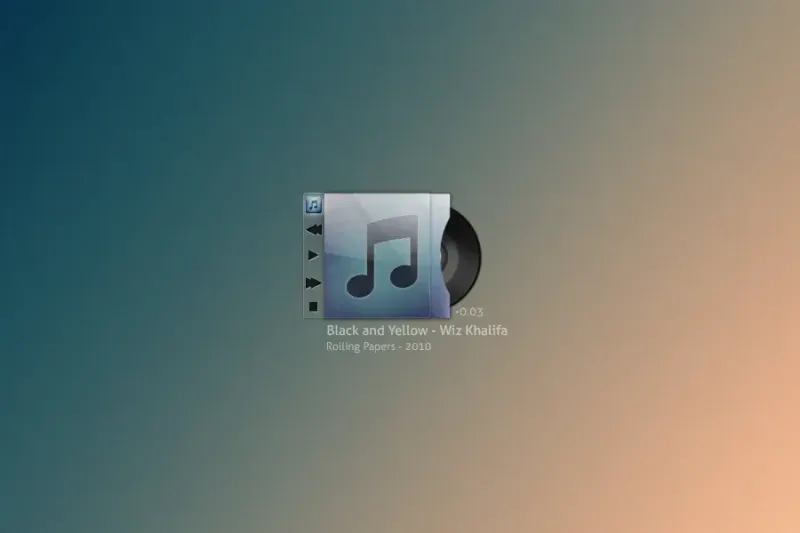
An iOS-like playback panel with navigation and volume actions whose controls appear on hover.