Inspect / Rainmeter skin
Simplicity Circles Rainmeter Skin
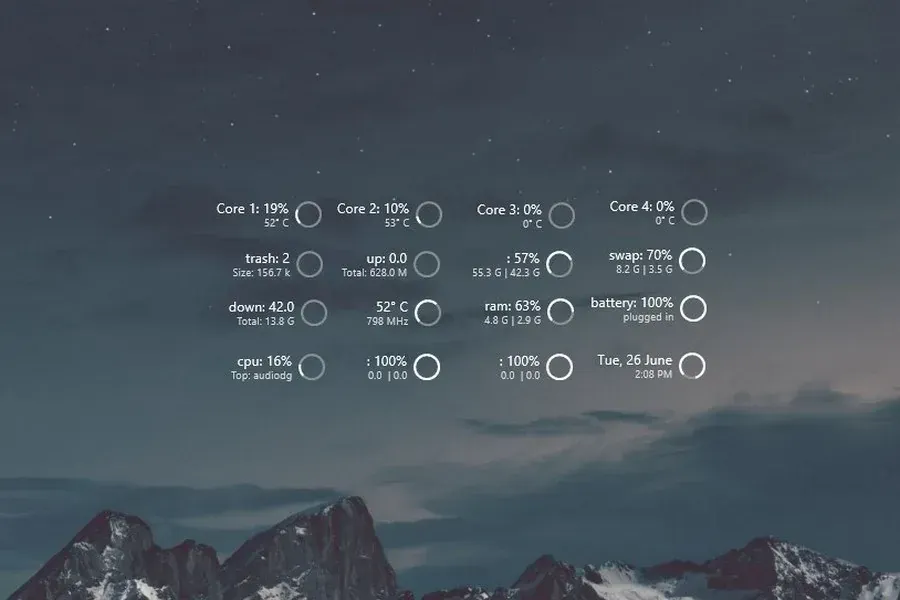
Circular meters cover battery, drives, RAM/swap, Wi-Fi, core load/temperature, network rates, time/date and media.
Download Simplicity Circles (.rmskin)
- Creator credit
- FlyingHyrax
- Package
- simplicity-circles.rmskin
- Requires
- Rainmeter; exact minimum version not established
What to compare
Circular meters cover battery, drives, RAM/swap, Wi-Fi, core load/temperature, network rates, time/date and media.
Setup and limitations
CoreTemp is explicitly named by the source. Recycle-bin widgets include manual and automatic empty variants: inspect that action before loading it, and do not assume deleted files remain recoverable.
Follow the .rmskin installation guide, then load only the components you need. Use the layout and configuration guide before editing files.
Source and verification
The Simplicity Circles source listing provides the credited creator, stated features and existing preview. Creator credit: FlyingHyrax. We have not installed or benchmarked this package. Source-listed Windows support is not independently tested compatibility; wallpaper and other preview elements may be separate works.
Compare alternatives
Similar skins
Alternatives in the same functional category, excluding this entry. Compare their source notes before choosing.
Skin
Pony Meter Rainmeter Skin
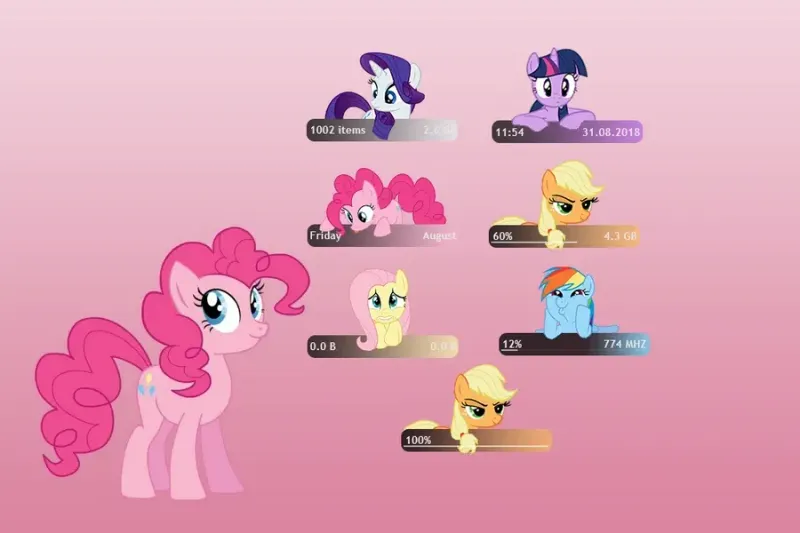
My Little Pony character-themed panels divide time/date, RAM, network, drives, battery and recycle-bin status among the illustrated widgets.
Skin
System Information Rainmeter Skin
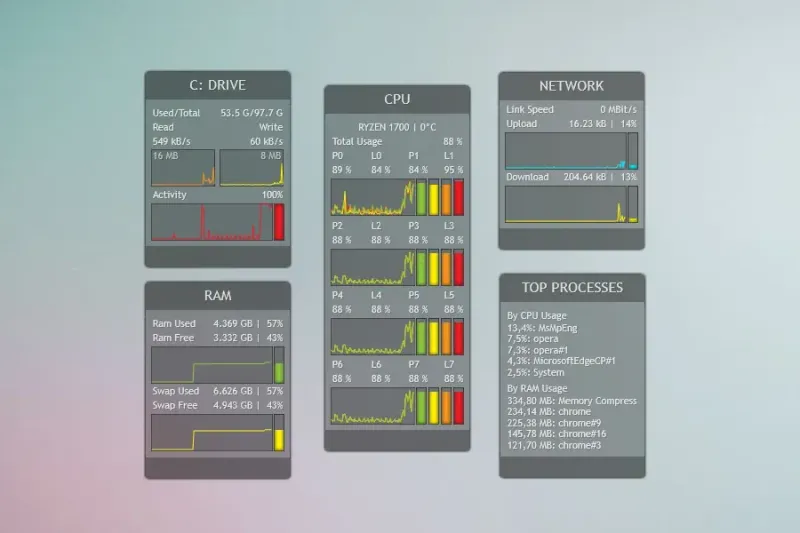
Panels with text, histograms and graphs show drive space, CPU activity, used/free RAM and network download/upload rates.
Skin
System Info Rainmeter Skin
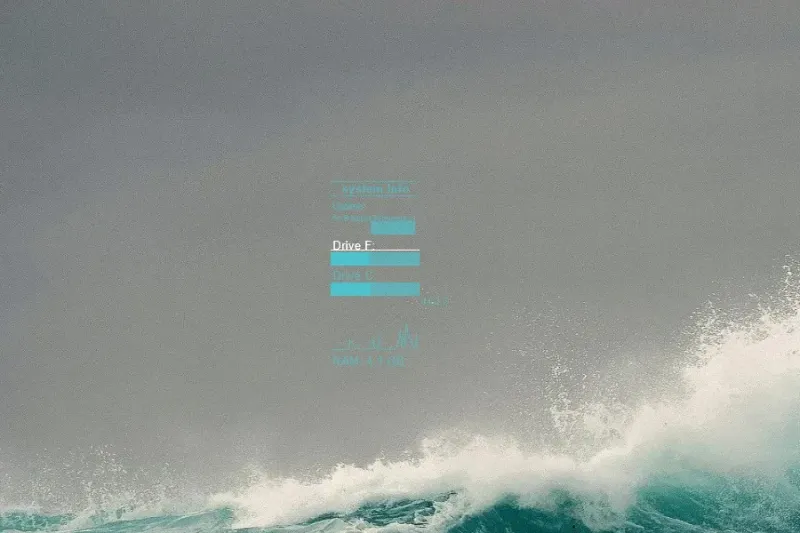
Text, bars and histograms show system uptime, RAM and source-configured F- and C-drive space.