Inspect / Rainmeter skin
Rainmeter Timetable
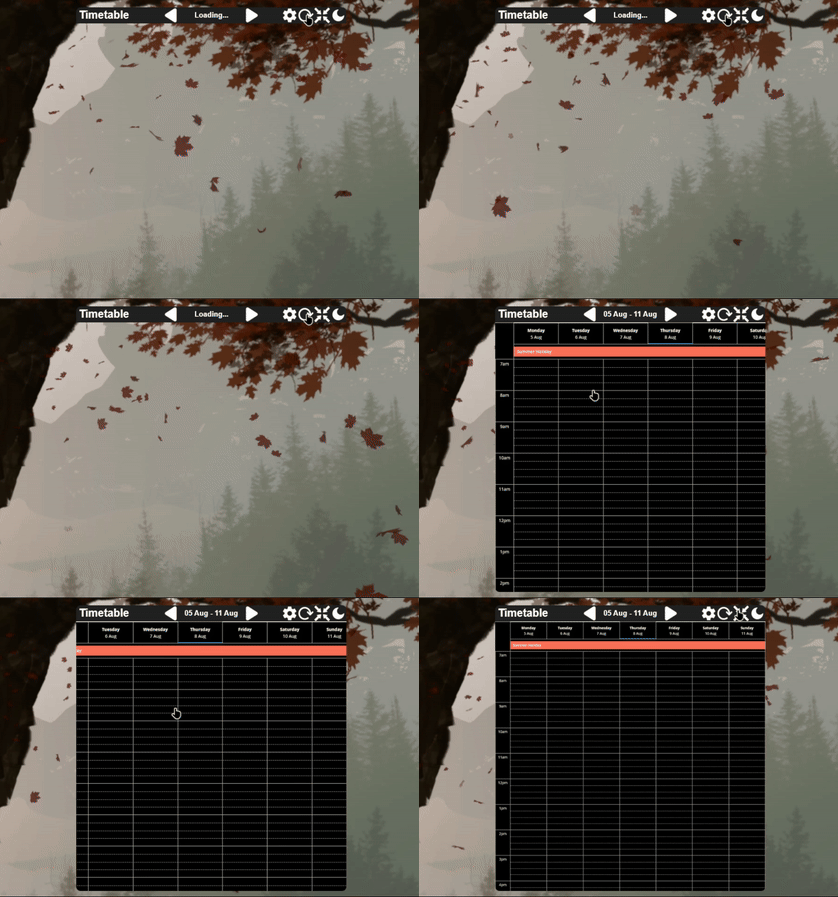
Rainmeter Timetable brings a school's online timetable onto the desktop, with support documented for Bromcom and Satchel One.

Rainmeter Timetable brings a school's online timetable onto the desktop, with support documented for Bromcom and Satchel One. Its timetable view includes week navigation, image zooming and panning, and a light or dark theme. A separate settings screen collects the school-service details needed to retrieve the schedule.
What this skin includes
- Supports Bromcom and Satchel One timetable sources.
- Previous and next buttons navigate between weeks.
- The mouse wheel zooms; middle-button dragging pans the timetable image.
- The toolbar includes fit-to-window and light/dark theme controls.
- The displayed title can be edited directly.
Setup and limits
Install Rainmeter, download the latest release's .rmskin file, and open it to install. If needed, load Rainmeter Timetable > Timetable.ini from Rainmeter's tray menu. Open Settings through the gear button or Settings.ini, enter the relevant school-service details, save, return to the main view, and refresh.
The documented integrations require school-service login details; Satchel One also requires the school's exact listed name. Only Bromcom and Satchel One are documented. The project states that it is not affiliated with either service. Current Windows-build compatibility has not been independently verified; this research did not install or execute the skin.
Open creator source and setup instructions (source page, not a direct installer).
Creator and preview provenance
Created by aritra-codes. Creator source · Original source preview. Documentation preview published in aritra-codes/rainmeter-timetable; credited to aritra-codes. Third-party wallpaper or imagery is not asserted included. Preview reproduction is owner-authorized with unverified reuse rights; this is not a creator license grant.
Source license or licensing statement; check the scope and any more specific notices before reuse.
Related skins and installation
Read the Rainmeter installation guide. Compare Caruso Clock and Scroll Time. These are different works, not additional editions of this skin.
The displayed preview is a still frame from the creator GIF, resized and re-encoded; use the original preview link to see the animation.
Similar skins
Alternatives in the same functional category, excluding this entry. Compare their source notes before choosing.
Skin
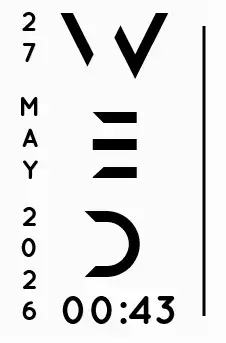
Axis Rainmeter Skin
Axis is a real-time clock skin built around a minimal vertical layout and futuristic typography.
Skin
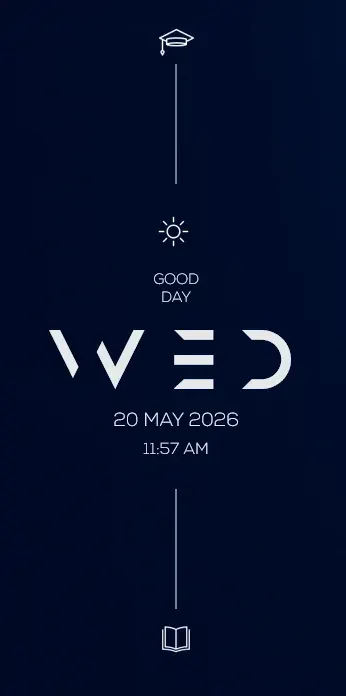
Soluna Rainmeter Skin
Soluna uses a minimal vertical composition with a Mond-inspired aesthetic and a set of distinctive display fonts.
Skin
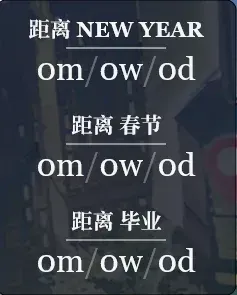
Simple Countdown Rainmeter Skin
Simple Countdown is described as a minimalist, miniature desktop countdown for Rainmeter.