Inspect / Rainmeter skin
Orbital Clock Rainmeter Skin
Orbital Clock presents time as a moving planetary-style arrangement instead of a standard clock face or digital readout.
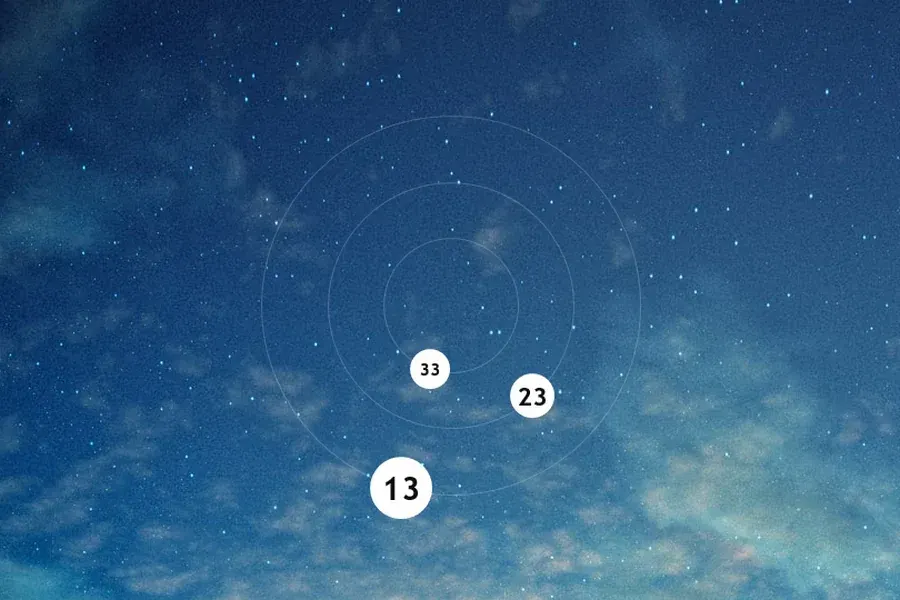
Orbital Clock presents time as a moving planetary-style arrangement instead of a standard clock face or digital readout. Three orbits divide the display into hours, minutes and seconds, with the outermost assigned to hours and the innermost assigned to seconds.
Source-listed appearance and features
The following details are reported by the source listing, not established by a DeskSpruce installation test.
- Created by Varelse42.
- Uses a planetary-system appearance.
- Outermost orbit represents hours.
- Middle orbit represents minutes.
- Innermost orbit represents seconds.
- Orbital elements move with time.
Setup and limits
The directory lists a .rmskin package for Orbital Clock. Follow the listed source instructions for installation and loading; the supplied evidence describes how to read the three orbits but gives no additional configuration or adjustment procedure.
The planetary appearance is a way of displaying time, not evidence of astronomical calculations. The source does not document date information, alarms, time-zone selection or any controls for changing the orbital presentation. Current Windows-build compatibility has not been independently verified; this research did not install or execute the skin.
Open source listing and package link (source page, not a direct installer).
Creator and preview provenance
Created by Varelse42. Source listing · Original source preview. Preview published by VisualSkins for Orbital Clock Rainmeter Skin, credited to Varelse42; wallpaper and other desktop items are not asserted to be included. Preview reproduction is owner-authorized with unverified reuse rights; this is not a creator license grant.
Related skins and installation
Read the Rainmeter installation guide. Compare Caruso Clock and Scroll Time. These are different works, not additional editions of this skin.
Similar skins
Alternatives in the same functional category, excluding this entry. Compare their source notes before choosing.
Skin
Axis Rainmeter Skin
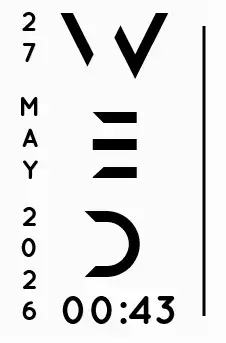
Axis is a real-time clock skin built around a minimal vertical layout and futuristic typography.
Skin
Soluna Rainmeter Skin
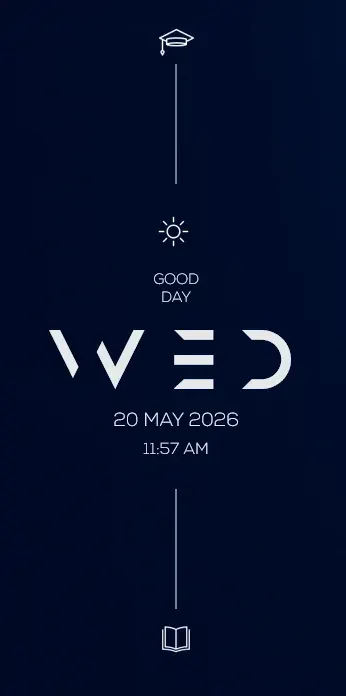
Soluna uses a minimal vertical composition with a Mond-inspired aesthetic and a set of distinctive display fonts.

Skin
Simple Countdown Rainmeter Skin
Simple Countdown is described as a minimalist, miniature desktop countdown for Rainmeter.