Inspect / Rainmeter skin
DOCKet Schedule Dock Rainmeter Skin
DOCKet turns a spreadsheet-based schedule into an interactive Rainmeter dock.
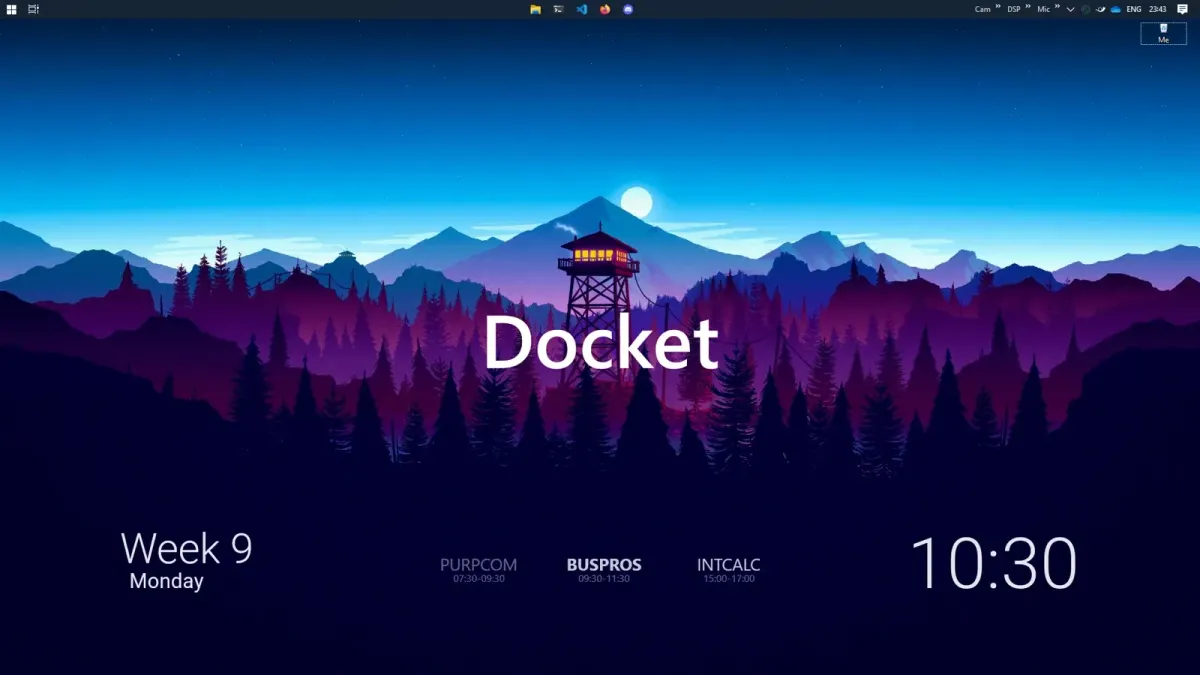
DOCKet turns a spreadsheet-based schedule into an interactive Rainmeter dock. It offers horizontal or vertical arrangement, subject labels and time ranges, plus colours for ongoing, upcoming and completed entries. Separate action tables can attach links or descriptive text to matching schedule cells.
What this skin includes
- Reads schedule entries from Schedule\schedule.csv.
- Supports vertical layout and adjustable subject spacing.
- Can place time labels above subjects.
- Uses separate CSV files for custom mouse actions.
- Requires schedule times in 24-hour HH:MM format.
Setup and limits
Download the release .rmskin and open it with Rainmeter. Edit Schedule\schedule.csv for your schedule and Schedule\schedule.ini for layout and styles. Review the example action CSV files in Schedule\Actions to change or remove them. The documented week-start adjustment requires editing schedule.lua.
The source identifies Rainmeter as the dependency. Times must use HH:MM in 24-hour format. Its CSV parser requires documented substitutions for quotes and separator characters, so ordinary spreadsheet exports may need adjustment. Week-start behaviour is controlled in Lua rather than only through layout variables. Current Windows-build compatibility has not been independently verified; this research did not install or execute the skin.
Open creator source and setup instructions (source page, not a direct installer).
Creator and preview provenance
Created by ChuseCubr. Creator source · Original source preview. Documentation preview published in ChuseCubr/RM-Docket; credited to ChuseCubr. Third-party wallpaper or imagery is not asserted included. Preview reproduction is owner-authorized with unverified reuse rights; this is not a creator license grant.
Related skins and installation
Read the Rainmeter installation guide. Compare Caruso Clock and Scroll Time. These are different works, not additional editions of this skin.
Similar skins
Alternatives in the same functional category, excluding this entry. Compare their source notes before choosing.
Skin
Axis Rainmeter Skin
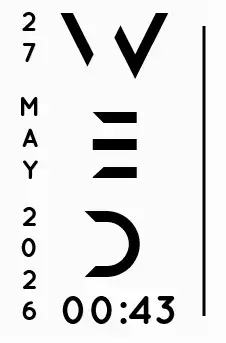
Axis is a real-time clock skin built around a minimal vertical layout and futuristic typography.
Skin
Soluna Rainmeter Skin
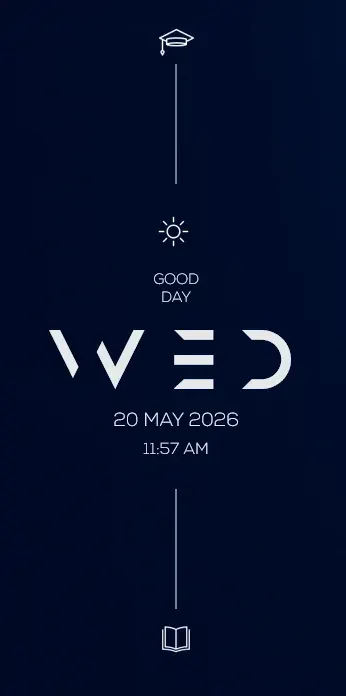
Soluna uses a minimal vertical composition with a Mond-inspired aesthetic and a set of distinctive display fonts.

Skin
Simple Countdown Rainmeter Skin
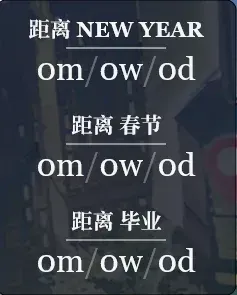
Simple Countdown is described as a minimalist, miniature desktop countdown for Rainmeter.