Inspect / Rainmeter skin
ClockMoe Rainmeter Skin
ClockMoe is a digital Rainmeter clock synchronized with the Windows system clock.
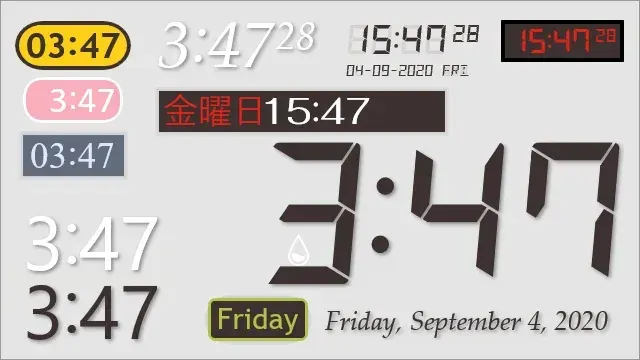
ClockMoe is a digital Rainmeter clock synchronized with the Windows system clock. It offers twelve-hour and twenty-four-hour formats, alongside separate date and weekday skins. Mouse interactions handle resizing and style changes, while a double-click opens time.is in a browser rather than changing the system time.
What this skin includes
- Supports twelve-hour and twenty-four-hour time.
- Includes separate date and weekday skins.
- Mouse wheel changes the skin size.
- Middle-click changes clock style.
- Double-click opens time.is.
Setup and limits
Install Rainmeter if needed, then double-click the downloaded ClockMoe .rmskin file and choose Install. Open Manage Rainmeter, select ClockMoe\Digital\Skin.ini in the Skins tab and click Load. Right-click the skin for options; use the mouse wheel to resize it and middle-click to change its style.
ClockMoe depends on Rainmeter and takes its time from the Windows system clock. The supplied download is dated February 3, 2021; no minimum Rainmeter version is stated. Its time.is action opens a website, not a documented clock-synchronization service. Current Windows-build compatibility has not been independently verified; this research did not install or execute the skin.
Open creator source and setup instructions (source page, not a direct installer).
Creator and preview provenance
Created by nek7u. Creator source · Original source preview. Documentation preview published in nek7u/ClockMoe; credited to nek7u. Third-party wallpaper or imagery is not asserted included. Preview reproduction is owner-authorized with unverified reuse rights; this is not a creator license grant.
Related skins and installation
Read the Rainmeter installation guide. Compare Caruso Clock and Scroll Time. These are different works, not additional editions of this skin.
Similar skins
Alternatives in the same functional category, excluding this entry. Compare their source notes before choosing.
Skin
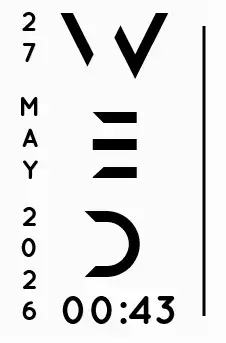
Axis Rainmeter Skin
Axis is a real-time clock skin built around a minimal vertical layout and futuristic typography.
Skin
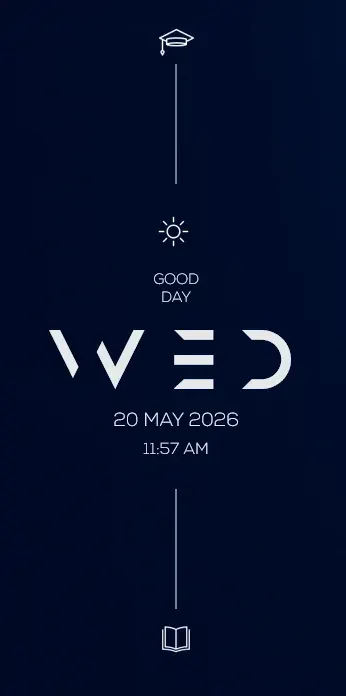
Soluna Rainmeter Skin
Soluna uses a minimal vertical composition with a Mond-inspired aesthetic and a set of distinctive display fonts.

Skin
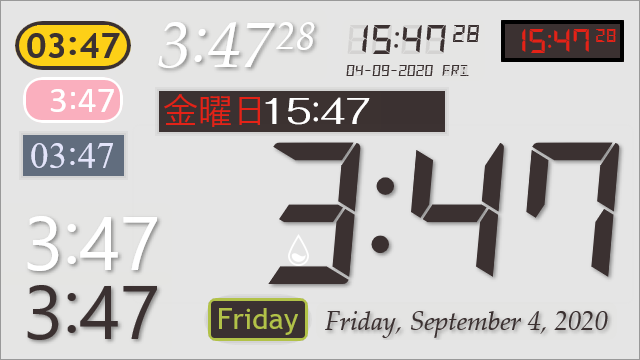
Simple Countdown Rainmeter Skin
Simple Countdown is described as a minimalist, miniature desktop countdown for Rainmeter.