Inspect / Rainmeter skin
CleanClocks Rainmeter Skin
CleanClocks is a collection of ten Rainmeter clock variants with shared appearance controls.

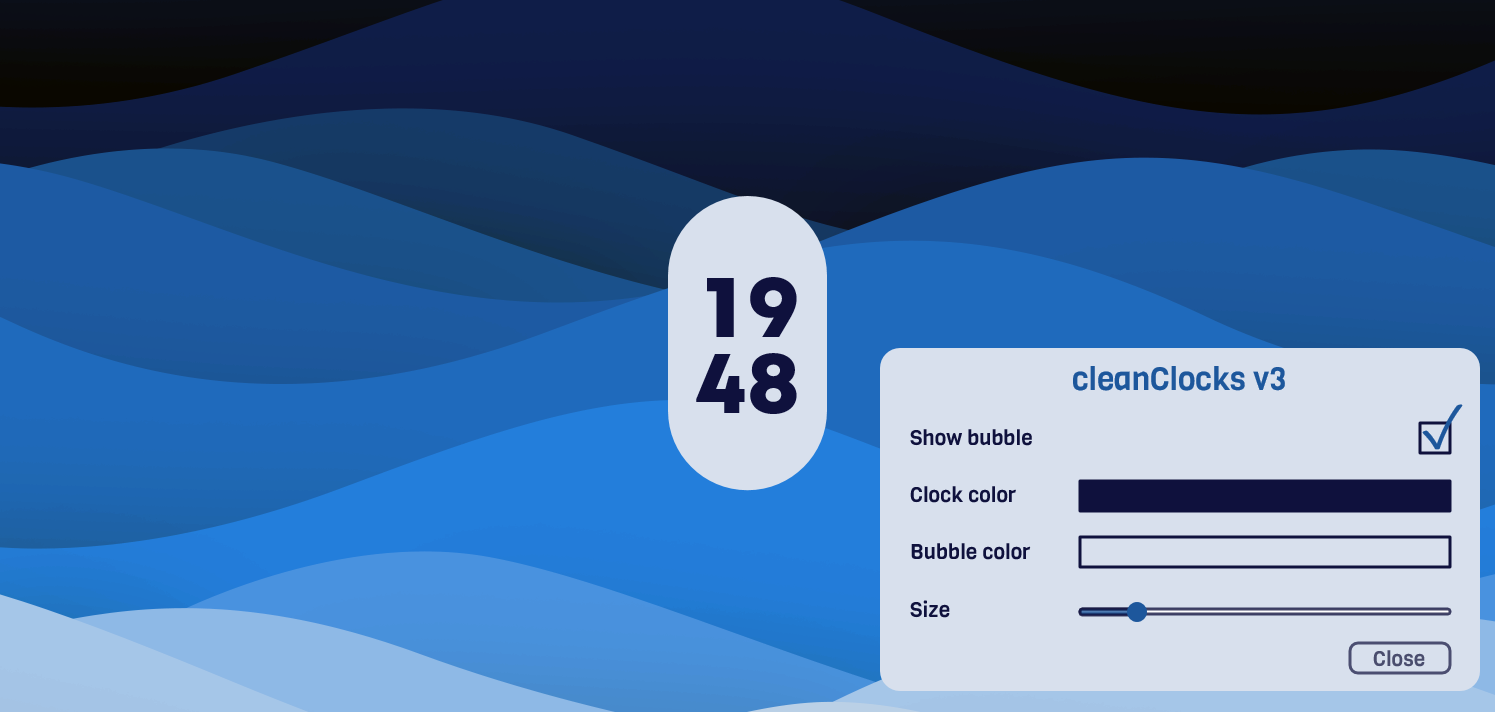
CleanClocks is a collection of ten Rainmeter clock variants with shared appearance controls. Its configuration window offers separate clock and bubble colors, an optional bubble and a size slider. The skin's context menu also switches between 12-hour and 24-hour time, keeping common adjustments accessible without editing configuration text.
What this skin includes
- Includes ten clock variants.
- Configuration window includes a color picker.
- The clock's bubble can be enabled or disabled.
- Clock and bubble colors are separately adjustable.
- Size changes apply when the configuration window is closed.
- Context-menu options select 12-hour or 24-hour time.
Setup and limits
Install Rainmeter, download CleanClocks_3.1.1.rmskin and double-click it to follow the installation wizard. Right-click the skin and open CleanClocks_v3 Configuration. Use its checkbox, color rectangles and size slider to adjust the appearance. Click Close to apply size changes; select the desired time format from the skin's context menu.
The described configuration interface belongs to version 3.1.1. Size adjustments are applied when its window is closed, rather than immediately through the slider alone. Wallpapers shown in the project pictures are referenced separately and are not established as included skin assets. Current Windows-build compatibility has not been independently verified; this research did not install or execute the skin.
Open creator source and setup instructions (source page, not a direct installer).
Creator and preview provenance
Created by javigalan99. Creator source · Original source preview. Documentation preview published in javigalan99/CleanClocks; credited to javigalan99. Third-party wallpaper or imagery is not asserted included. Preview reproduction is owner-authorized with unverified reuse rights; this is not a creator license grant.
Source license or licensing statement; check the scope and any more specific notices before reuse.
Related skins and installation
Read the Rainmeter installation guide. Compare Caruso Clock and Scroll Time. These are different works, not additional editions of this skin.
Similar skins
Alternatives in the same functional category, excluding this entry. Compare their source notes before choosing.
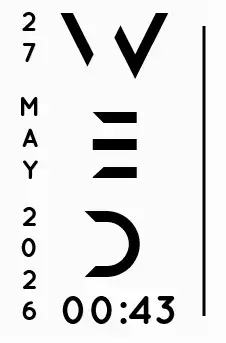
Skin
Axis Rainmeter Skin
Axis is a real-time clock skin built around a minimal vertical layout and futuristic typography.
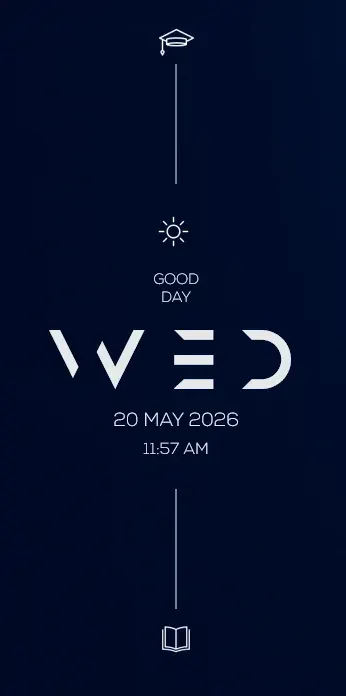
Skin
Soluna Rainmeter Skin
Soluna uses a minimal vertical composition with a Mond-inspired aesthetic and a set of distinctive display fonts.

Skin
Simple Countdown Rainmeter Skin
Simple Countdown is described as a minimalist, miniature desktop countdown for Rainmeter.